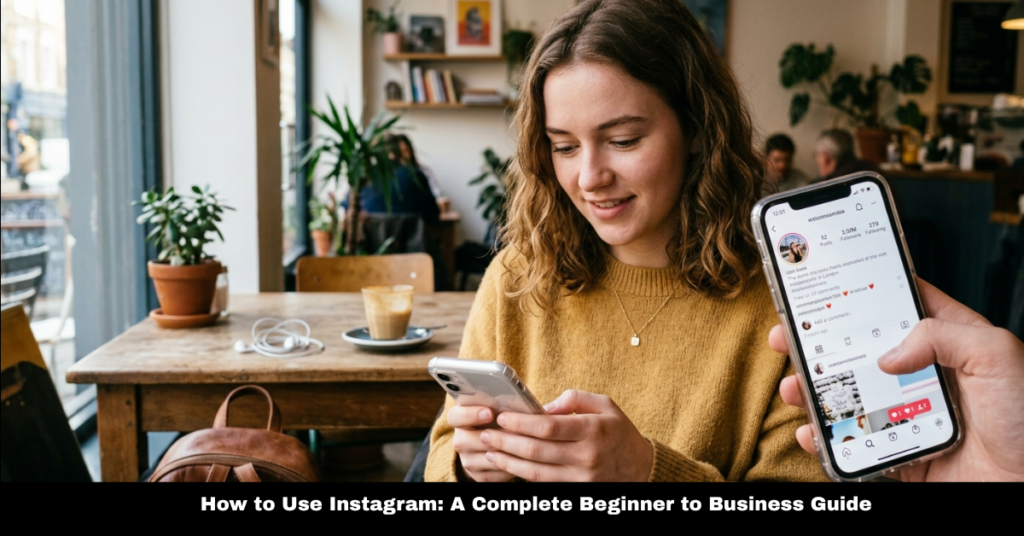

If you’ve ever wondered how to use Instagram, you’re not alone. Millions of people open the app every day, but many still struggle to understand its full potential—from posting photos to growing a business.
In this guide, we’ll break down how to use Instagram for beginners, step by step, and also explore advanced strategies like how to use Instagram for business, marketing, Reels, Stories, and analytics. Whether you’re a casual user or an entrepreneur, this article will help you get the most out of the platform in a simple, practical way.
What is Instagram and How to Use Instagram for Beginners
Instagram is a visual social media platform where users share photos, videos, stories, and reels. Learning how to use Instagram for beginners starts with understanding the basics:
Getting Started
- Download the app and create an account.
- Set up your profile (photo, bio, and username).
- Follow friends, creators, or brands.
- Start engaging by liking, commenting, and sharing posts.
Once you get comfortable, you’ll naturally explore more Instagram features like Stories, Direct Messages, and Reels.
How to Use Instagram Features Effectively
Understanding how to use Instagram features is key to mastering the platform. These features are designed to help you connect, create, and grow.
How to Use Instagram Stories
Stories are short posts that disappear after 24 hours. They’re great for daily updates, polls, and behind-the-scenes content.
- Add text, stickers, and music
- Use polls and questions for engagement
- Share quick updates without cluttering your feed
How to Use Instagram Reels for Business
If you want growth, learning how to use Instagram Reels for business is essential. Reels are short-form videos that reach a larger audience.
- Showcase products or services
- Share tutorials or tips
- Use trending audio for visibility
How to Use Instagram Direct
Instagram Direct (DMs) is your private messaging tool.
- Chat with followers or customers
- Share posts privately
- Handle customer support for business accounts
How to Use Instagram Hashtags
Hashtags help people discover your content.
- Use relevant and niche hashtags
- Mix popular and less competitive tags
- Avoid overstuffing captions
How to Use Instagram Filters
Filters enhance your photos and videos.
- Apply filters before posting
- Keep consistency in style for branding
- Adjust brightness and contrast manually if needed
How to Use Instagram Edits
Editing helps improve content quality.
- Trim videos for Reels
- Adjust lighting and colors
- Add captions for accessibility
How to Use Instagram Templates
Templates save time and improve design consistency.
- Use story templates for branding
- Create reusable post layouts
- Maintain a consistent aesthetic
How to Use Instagram Map
Instagram Map helps discover location-based content.
- Tag your location in posts
- Explore nearby trending posts
- Useful for travel and local businesses
How to Use Instagram for Business and Marketing
If you’re a brand or entrepreneur, learning how to use Instagram for business is a game changer.
Instagram for Marketing
Understanding how to use Instagram for marketing helps you reach your target audience effectively.
- Post engaging content regularly
- Use reels and stories for visibility
- Collaborate with influencers
How to Use Instagram for E-commerce
Selling online? Here’s how how to use Instagram for e-commerce works:
- Create a business profile
- Showcase products in posts and reels
- Use shopping tags (where available)
- Drive traffic to your website or store
How to Use Instagram Analytics
To grow, you must track performance. Knowing how to use Instagram analytics helps you understand your audience.
- Track reach and impressions
- Monitor engagement rate
- Identify best-performing posts
How to Use Instagram Stories for Business
Stories are powerful for brand engagement.
- Share promotions and discounts
- Show behind-the-scenes content
- Use interactive stickers to boost engagement
Advanced Usage of Instagram
How to Use Instagram Mobile View on PC
You can access Instagram on desktop browsers, but mobile view is more limited.
- Use browser developer tools for mobile layout
- Some features may not be fully available
How to Use Instagram on School Chromebook
Students often search for how to use Instagram on school Chromebook.
- Use web version of Instagram
- Log in through browser
- Note: Some schools may restrict access
How to Use Instagram Without an Account
Many people ask about how to use Instagram without an account.
- You can view limited public profiles
- Full interaction requires an account
FAQs About How to Use Instagram
1. What is the easiest way to learn how to use Instagram?
Start with basic features like posting, following accounts, and exploring Stories.
2. How do I grow faster using Instagram?
Focus on Reels, consistent posting, and engaging with your audience.
3. Is Instagram good for small businesses?
Yes, especially when used for marketing, branding, and customer engagement.
4. How often should I post on Instagram?
Posting 3–5 times per week is a good starting point for consistency.
5. Do hashtags still work on Instagram?
Yes, they help improve discoverability when used correctly.
Conclusion
Learning how to use Instagram is no longer optional—it’s essential for personal branding, communication, and business growth. From how to use Instagram for beginners to advanced strategies like marketing, analytics, and Reels, the platform offers endless opportunities.
Whether you’re exploring how to use Instagram features, building a brand, or simply connecting with friends, consistency and creativity are key. Start small, stay active, and you’ll quickly see results.